On-premise
The whole platform inside your network
Docker on a Linux server or a VM image, working offline: license verified locally, updates by offline package, your own SMTP and a support channel only you open.
The problem
“Banking, government, healthcare: a third-party cloud must be reported to the regulator or is forbidden. The tool has to work without internet.”
- Company policy does not allow data in a third-party cloud.
- The server has no internet access.
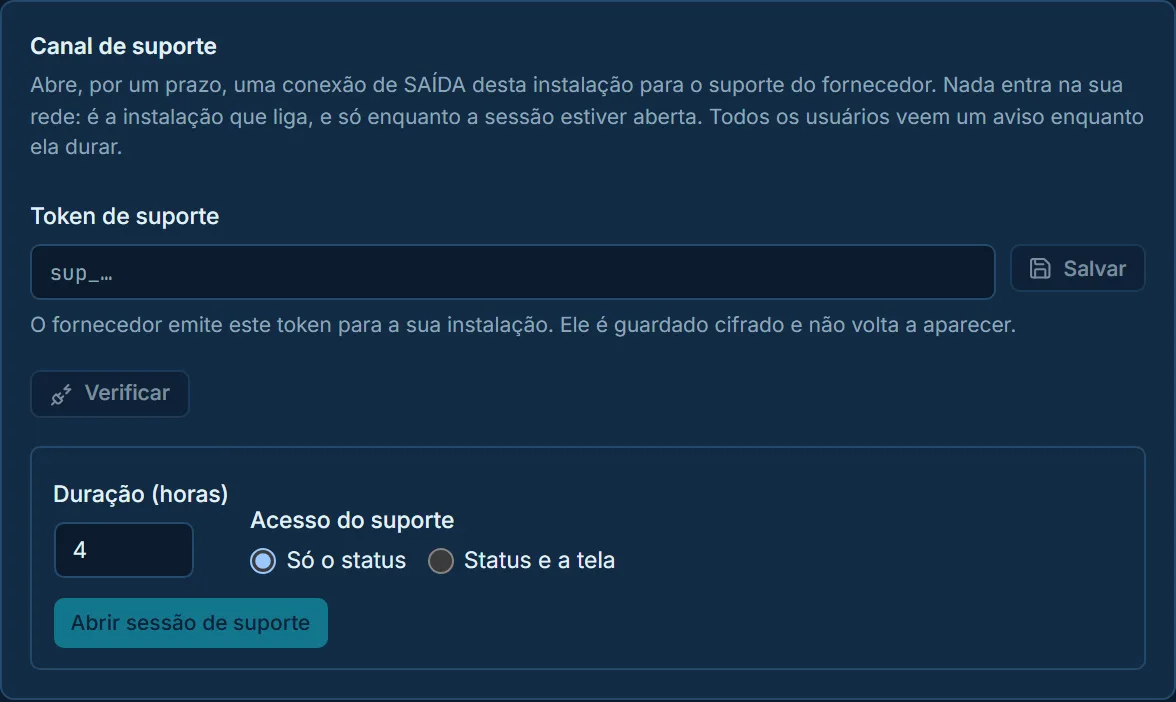
- The vendor’s support cannot have permanent access.
How we solve it
-
Docker or a VM image
The same package: Docker Compose on a Linux server, or a VM image (.vhdx for Hyper-V, .ova for VMware) with secrets generated on first boot.
-
Offline
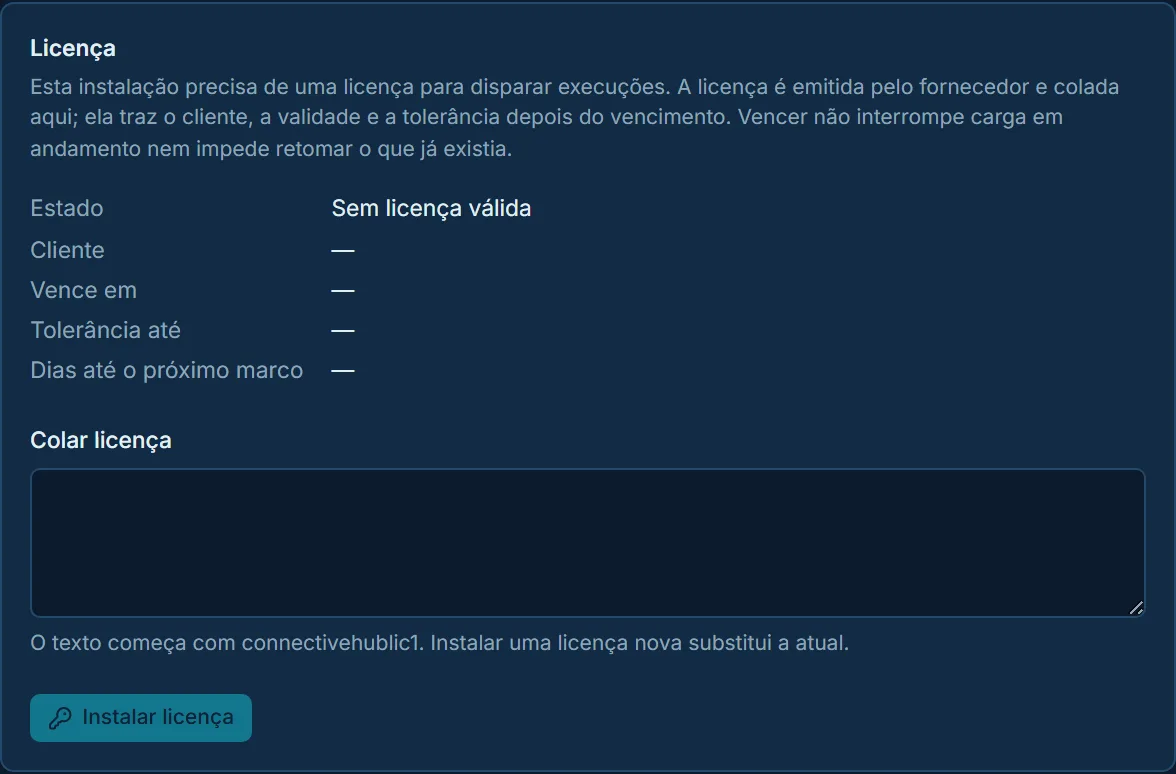
The license is verified inside the installation; updates arrive as a signed offline package, checked and preceded by a database dump; files can live in the installation’s own storage.
-
E-mail and alerts inside your network
The e-mail server (SMTP) is set up on screen, and notification channels accept internal-network destinations.
-
Support you control
The support channel only exists while the customer keeps the session open, with a revocable token; the engineer uses the installation with the role the customer grants.
-
Secret-free diagnostics
The diagnostic bundle comes from the screen or a server command, with passwords and tokens removed.
See it working
In numbers
- 5 agents included, with CDC and data lake
- 2 ways to install: Docker on a Linux server or a VM image
Want to see this in your scenario?
In a demo we walk through the flow with a case like yours, from the agent to reconciliation.